
BUILT PRODUCTAI & Developer ToolsStudio-built
Building
M-UI Toolkit logo

M-UI Toolkit

Autonomous dark-mode UI design system & accessible React component library for high-velocity SaaS apps.
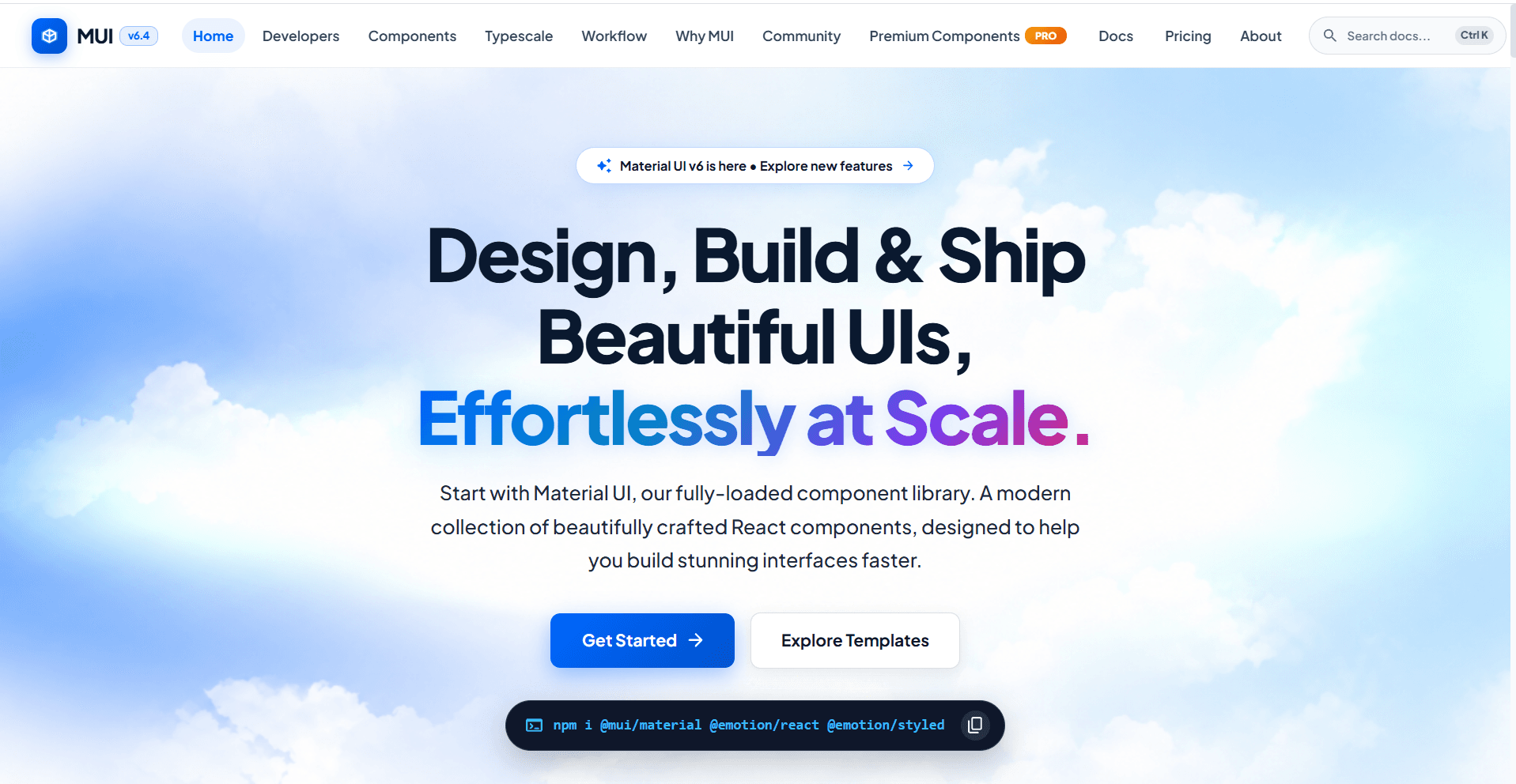
M-UI Toolkit
Accessibility
WCAG 2.1 AA
Runtime Overhead
Zero (CSS Tokens)
Theme Modes
High-Contrast Dark
Product Capabilities & Architecture
7 Production Features

Exhaustive System Features & Workflow

Accessibility & Dark Theme Engine

High-contrast dark aesthetics with cyber & neon accents
WCAG 2.1 AA compliant focus rings and keyboard navigation
Radix UI headless primitives for robust dialogs and menus
Dynamic CSS token generator for custom color palettes

Component Portfolio

Data Tables with sorting, filtering, and pagination
Command Palette with fuzzy search and keyboard triggers
Slide-over drawers, modal dialogs, and alert banners
Zero-runtime copy-paste architecture

All Individual Feature Specifications:

01Autonomous Dark-Mode System: High-contrast dark themes fine-tuned with cyber, neon, and subtle studio glow effects
02WCAG 2.1 AA Accessibility: Complete keyboard navigation, focus trap primitives, and ARIA screen reader attributes
03Modular Copy-Paste Architecture: Clean code blocks that can be pasted directly into codebases without vendor lock-in
04Dynamic CSS Token Engine: Customizable color variables, border-radius tokens, elevation shadows, and font scales
05Comprehensive Component Library: Includes Data Tables, Modals, Slide-Overs, Command Bars, Dropdowns, Badges, and Tooltips
06Micro-Animated State Feedback: Smooth hover lifts, glowing border transitions, and subtle pulse feedback on interactive states
07Zero Runtime CSS Overhead: Compiled to standard Tailwind utility classes and CSS custom properties for max speed
Visual Interface Showcase

Screenshots & Interaction Design

Screenshot Slots Ready

High-resolution interface viewports ready to link direct screenshots and walkthrough captures.

https://mui.app
DESKTOP VIEW
M-UI Toolkit Primary Application View
Active Production View: M-UI Toolkit
FEATURE DETAILVIEWPORT 02
Interactive Workspace ViewSlot for modal, editor, or action flow preview.
MOBILE ADAPTIVEVIEWPORT 03
Mobile & Tablet ResponsiveSlot for touch-screen mobile viewport screenshot.
The Friction

Who experiences this problem?

Indie hackers and engineering teams building mission-critical dashboards, crypto interfaces, and developer tooling.

Current Workflow Breakdown:Standard UI packages require hours of CSS fighting, lack fluid keyboard accessibility, and fail to provide high-contrast dark aesthetics out of the box.
The Architecture

How our product addresses it

A zero-runtime-overhead React component library crafted with Radix primitives, cyber-inspired micro-animations, and dynamic Tailwind token generators.

Technical Stack & Foundations

React 19 & TypeScript
Tailwind CSS v4
Radix UI Headless Primitives
Lucide React Icons
CSS Custom Property Tokens
Zero-Runtime Overhead
Milestones & Next Horizon

Current progress and roadmap

Stage: Building

Publishing the core package to npm registry and launching an interactive documentation sandbox with copy-paste code snippets.

Explore More

Other studio initiatives

LeadPilot
LeadPilot
You approve. It does the chasing.
ProductAI & Developer Tools
Building
LeadPilot logo

LeadPilot

An AI sales assistant that finds leads, writes your pitches, replies on WhatsApp and writes notes after every call.
Multi-Source Lead Radar: Continuously scans Upwork, Fiverr, LinkedIn Jobs, RemoteOK, Reddit, X (Twitter), Google Maps, and public business directories for live hiring intent
AI 0-100 Lead Scoring: Rates every lead based on skill alignment, budget readiness, urgency, and reply probability so you only prioritize high-yield opportunities
Zero-Ban 'Draft & Approve' Guard: Generates tailored proposals and pitches for user 1-click review, preventing automated bot detection and protecting platform accounts from bans
+6 more technical capabilities
Studio-built
Kaam.ai
Kaam.ai
You approve. It does the work.
ProductAI & Developer Tools
Building
Kaam.ai logo

Kaam.ai

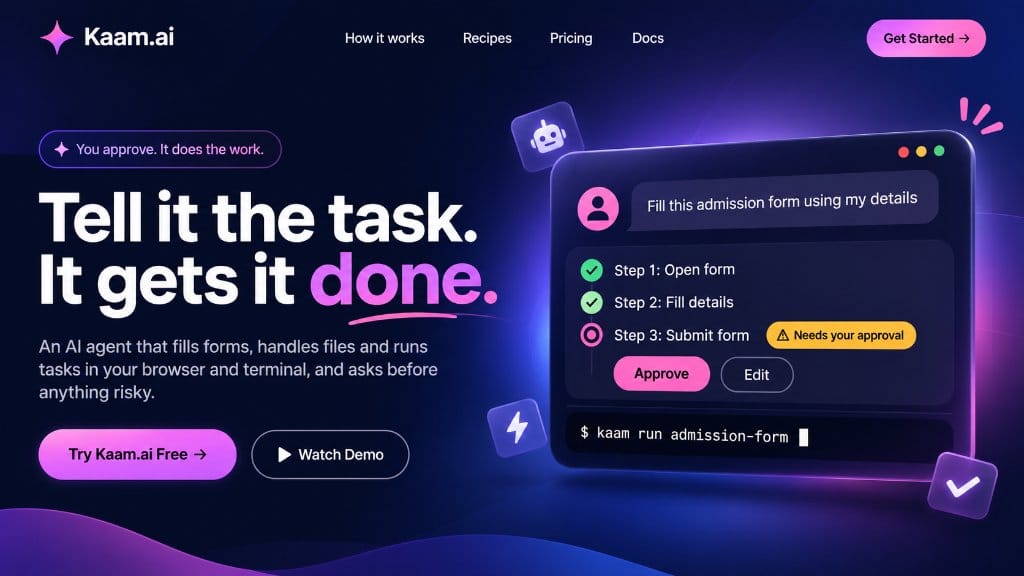
An AI agent that fills forms, handles files and runs tasks in your browser and terminal, and asks before anything risky.

Autonomous Form Filling: Navigates multi-page application forms, auto-mapping user profile data into input fields with pixel-level precision
Risk-Aware Approval Gates: Pauses before critical actions like 'Submit Form', 'Delete Files', or 'Execute Payment', requesting clear user confirmation
Kaam Terminal CLI: Trigger and run entire automated workflows directly from your terminal using commands like `kaam run admission-form`
+4 more technical capabilities
Studio-built