BUILT PRODUCTAI & Developer ToolsStudio-built
Building
M-Design Studio logo

M-Design Studio

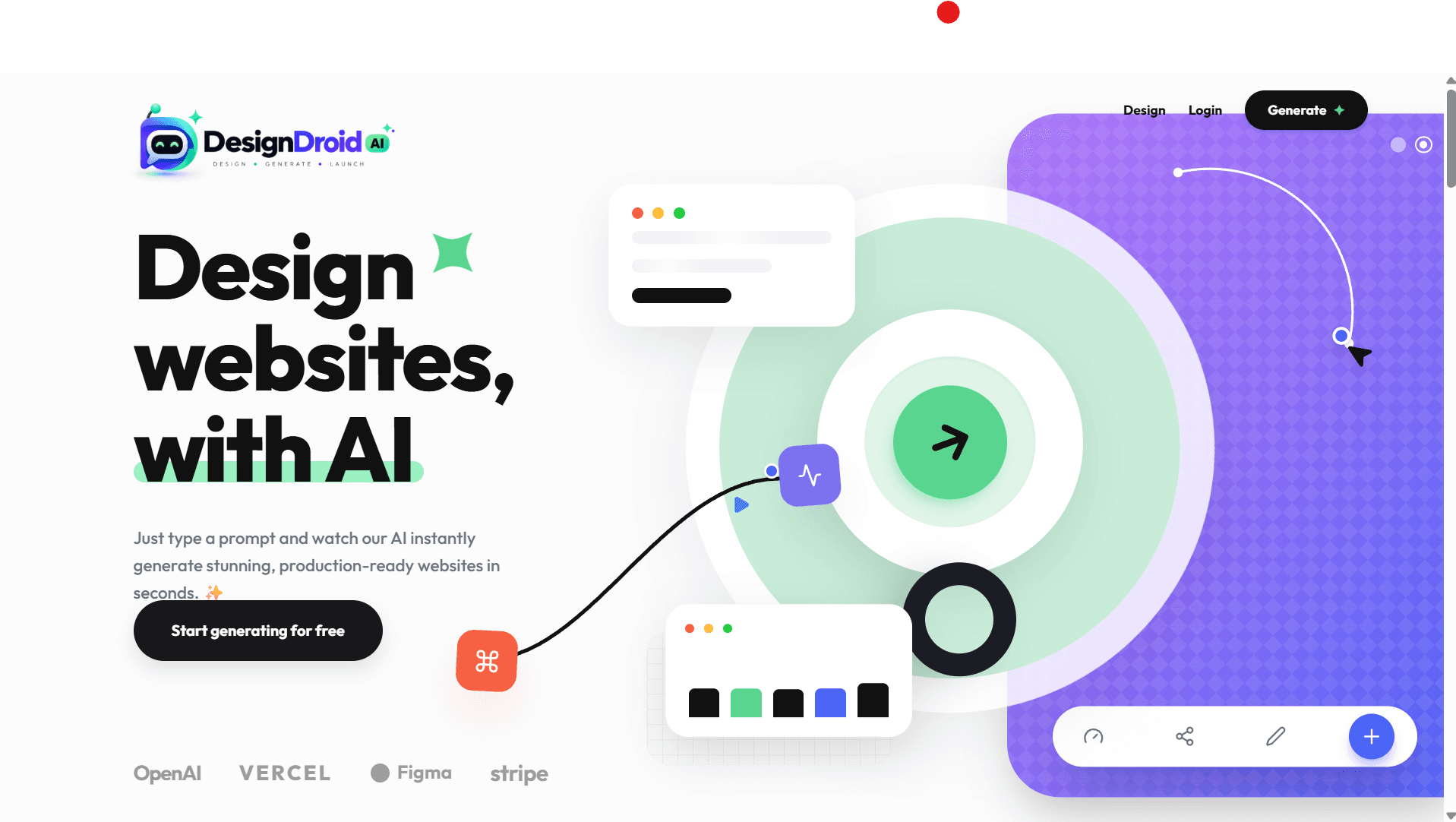
AI-native generative UI design system & visual component canvas bridging Figma into production React code.
M-Design Studio
Token Sync
Bi-directional Figma
Export Targets
React + Tailwind
Linting Engine
Oxlint AST
Product Capabilities & Architecture
10 Production Features

Exhaustive System Features & Workflow

Generative UI & Visual Studio

PromptWorkspace: AI-driven natural language component synthesis
Interactive drag-and-drop canvas powered by @dnd-kit & Framer Motion
Live responsive breakpoint simulator (Desktop, Tablet, Mobile)
Component customiser: typography, color tokens, borders, and shadows

Figma Sync & Code Export

Bi-directional Figma Plugin for layout and token import/export
1-Click clean production code export (React JSX + Tailwind)
Design token generator exporting CSS variables & Tailwind themes
Oxlint AST validation guaranteeing clean, error-free exports

Ecosystem & Component Market

MarketPage: Community component pattern marketplace
Favourites & personal component vault for rapid reuse
User authentication & cloud workspace synchronization

All Individual Feature Specifications:

01Natural Language PromptWorkspace: Generate complete UI components, cards, navigation headers, and hero layouts via AI prompts
02Visual Drag-and-Drop Studio Page: Move, nest, and rearrange components on a live interactive canvas using @dnd-kit
03Bi-Directional Figma Plugin: Seamlessly import Figma layouts and export generated code back as native Figma vector frames
04Component Customiser Suite: Real-time customization of color palettes, corner radii, shadow elevations, and typography scales
05Community Component Marketplace: Browse, preview, and fork community-contributed design system modules and patterns
06Favourites & Component Vault: Save frequently used components into personal design system libraries for fast reuse
07Live Responsive Breakpoint Simulator: Toggle between Desktop, Tablet, and Mobile viewports with live responsive adjustments
08Clean Code Generation Engine: Export ready-to-paste React JSX, TypeScript interfaces, and Tailwind CSS utility classes
09Design Token Synchronizer: Exports CSS custom properties / Tailwind config themes for immediate integration into codebases
10Oxlint-Powered Code Quality: Every synthesized component undergoes AST linting to guarantee syntax safety and zero errors
Visual Interface Showcase

Screenshots & Interaction Design

Screenshot Slots Ready

High-resolution interface viewports ready to link direct screenshots and walkthrough captures.

https://mdesign.app
DESKTOP VIEW
M-Design Studio Primary Application View
Active Production View: M-Design Studio
FEATURE DETAILVIEWPORT 02
Interactive Workspace ViewSlot for modal, editor, or action flow preview.
MOBILE ADAPTIVEVIEWPORT 03
Mobile & Tablet ResponsiveSlot for touch-screen mobile viewport screenshot.
The Friction

Who experiences this problem?

Modern product designers, frontend engineers, and design system leads building scalable web applications.

Current Workflow Breakdown:Design tokens drift out of synchronization, responsive layouts break across screen sizes, and developers rebuild primitive components from scratch.
The Architecture

How our product addresses it

An interactive AI design workspace equipped with prompt-driven component synthesis, visual drag-and-drop canvas customization, Figma plugin synchronization, and 1-click Tailwind/React exports.

Technical Stack & Foundations

React 19 & Vite
@dnd-kit/core & @dnd-kit/sortable
Framer Motion Transitions
Figma Plugin Manifest & API
Tailwind CSS Utility Generator
Oxlint AST Code Verification
Axios API Client
Milestones & Next Horizon

Current progress and roadmap

Stage: Building

Integrating two-way Figma REST API webhooks and launching the public component community marketplace.

Explore More

Other studio initiatives

LeadPilot
LeadPilot
You approve. It does the chasing.
ProductAI & Developer Tools
Building
LeadPilot logo

LeadPilot

An AI sales assistant that finds leads, writes your pitches, replies on WhatsApp and writes notes after every call.
Multi-Source Lead Radar: Continuously scans Upwork, Fiverr, LinkedIn Jobs, RemoteOK, Reddit, X (Twitter), Google Maps, and public business directories for live hiring intent
AI 0-100 Lead Scoring: Rates every lead based on skill alignment, budget readiness, urgency, and reply probability so you only prioritize high-yield opportunities
Zero-Ban 'Draft & Approve' Guard: Generates tailored proposals and pitches for user 1-click review, preventing automated bot detection and protecting platform accounts from bans
+6 more technical capabilities
Studio-built
Kaam.ai
Kaam.ai
You approve. It does the work.
ProductAI & Developer Tools
Building
Kaam.ai logo

Kaam.ai

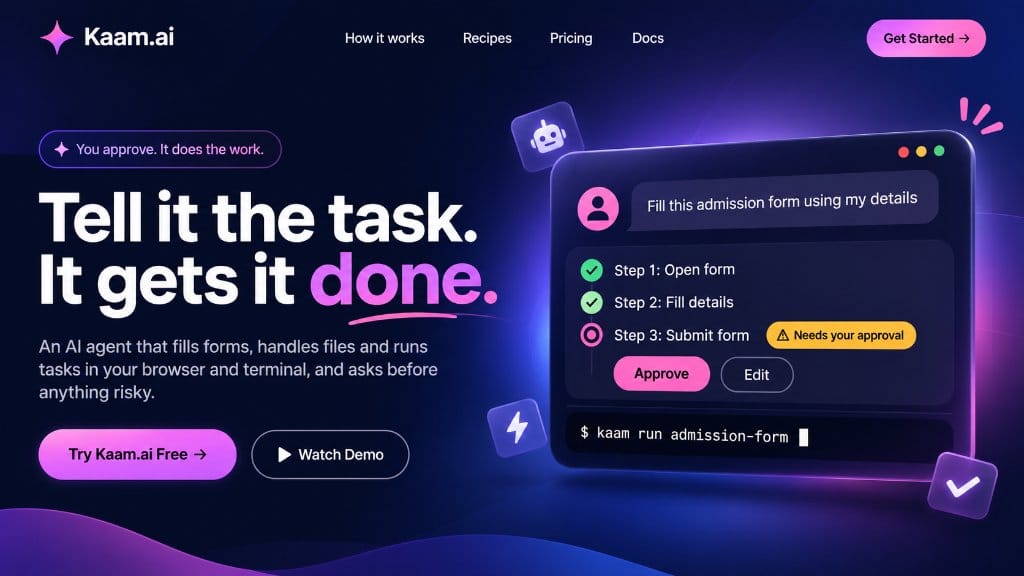
An AI agent that fills forms, handles files and runs tasks in your browser and terminal, and asks before anything risky.

Autonomous Form Filling: Navigates multi-page application forms, auto-mapping user profile data into input fields with pixel-level precision
Risk-Aware Approval Gates: Pauses before critical actions like 'Submit Form', 'Delete Files', or 'Execute Payment', requesting clear user confirmation
Kaam Terminal CLI: Trigger and run entire automated workflows directly from your terminal using commands like `kaam run admission-form`
+4 more technical capabilities
Studio-built