
BUILT PRODUCTAI & Developer ToolsStudio-built
Ready to Launch
MCode logo

MCode

High-performance developer terminal harness & AI coding assistant with 80ms fluid micro-animations.
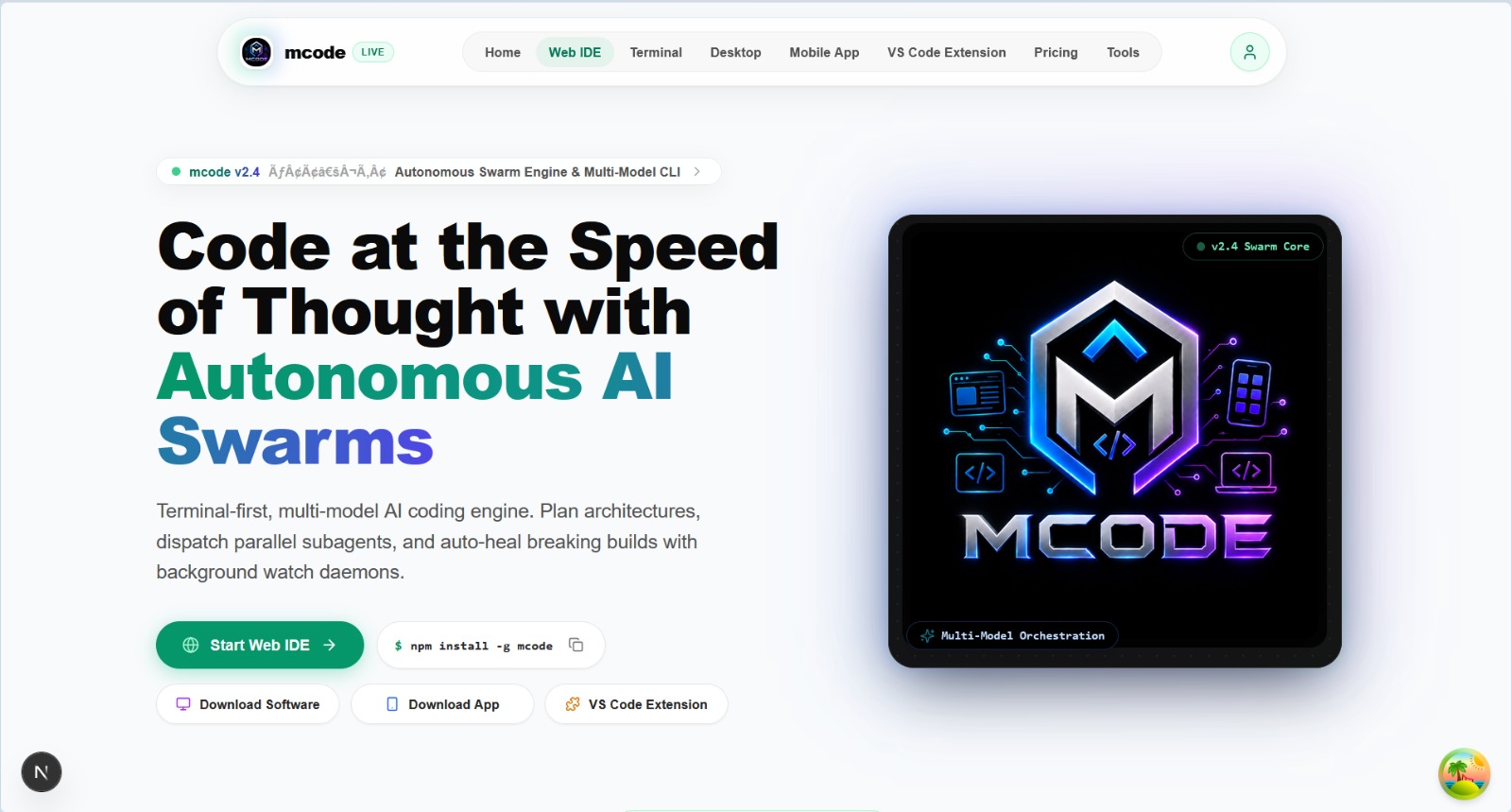
MCode
Clock Tick Rate
80ms Shared Loop
Diff Reveal
30ms Progressive
Execution Style
12 Ink Block Renderers
Product Capabilities & Architecture
15 Production Features

Exhaustive System Features & Workflow

Terminal Animation Foundation (UI Engine)

useTicker 80ms global shared clock for all terminal frames
useEntrance progressive 30ms/line reveal hook
useAnimatedProgress smooth 160ms interpolation curve
useFlashOnMount 400ms visual eye-tracking cues
Responsive terminal status bar adapting to viewport width

Block Rendering Architecture

ThoughtBlock: Live thinking state with dot waves & blinking cursor
DiffBlock: Color-coded unified git diffs with additions/deletions
CommandBlock: Subprocess executor with live terminal stdout/stderr
ReadBlock & WriteBlock: Real-time file system read/write visualizers
TodoBlock: Multi-step task checklist with completion progress

Developer Harness & Controls

Slash command palette (/refactor, /test, /explain, /commit)
PermissionBlock: Inline interactive bash execution authorization
ProcessingScreen: Full-terminal wave animation during background jobs
InterruptBlock: Clean Ctrl+C graceful abort without screen wreckage

All Individual Feature Specifications:

01useTicker 80ms Global Shared Clock: Powers all terminal spinner cycles, pulsating indicators, and wave animations with zero stutter
02useEntrance Progressive Reveal: Streams line-by-line file reads and command outputs at 30ms per item for buttery-smooth pacing
03useAnimatedProgress Interpolation: Smooth percentage transitions (160ms curve) across status bars and background task runners
04useFlashOnMount Visual Cues: 400ms subtle luminosity flash on new terminal blocks to direct developer eye focus
05ThoughtBlock Animated Reasoning: Displays live AI thinking state with growing dots (0 to 3), spinning loader, and blinking cursor
06Interactive DiffBlock: Side-by-side or unified additions/deletions syntax highlighting with [NEW]/[EDIT] badges and line counters
07CommandBlock Execution Harness: Terminal command runner with $ command header, progressive line output, and exit status badges
08ReadBlock & WriteBlock File Monitors: Live visualization of file read and disk write operations with animated check icons
09Multi-Task TodoBlock: Progress tracking with task completion bars, pending status dots, and execution summaries
10Fuzzy-Search Command Palette: Quick slash commands (/help, /refactor, /test, /explain, /commit, /audit) with keyboard navigation
11Responsive StatusBar Tiers: Adapts information density (file path, active tokens, model tier, git branch) based on terminal width
12ProcessingScreen Wave Animation: Multi-layered 400ms spinner cycle with progressive task lists during heavy compilation jobs
13ActivePanel Rapid Streamer: 14ms per-file streaming viewer for instantaneous inspection of generated directory structures
14Graceful Interrupt Handling: Clean SIGINT/Ctrl+C recovery with InterruptBlock preserving terminal buffers without corruption
15PermissionBlock Security Gates: Interactive inline confirmation prompts for destructive file overrides or bash executions
Visual Interface Showcase

Screenshots & Interaction Design

Screenshot Slots Ready

High-resolution interface viewports ready to link direct screenshots and walkthrough captures.
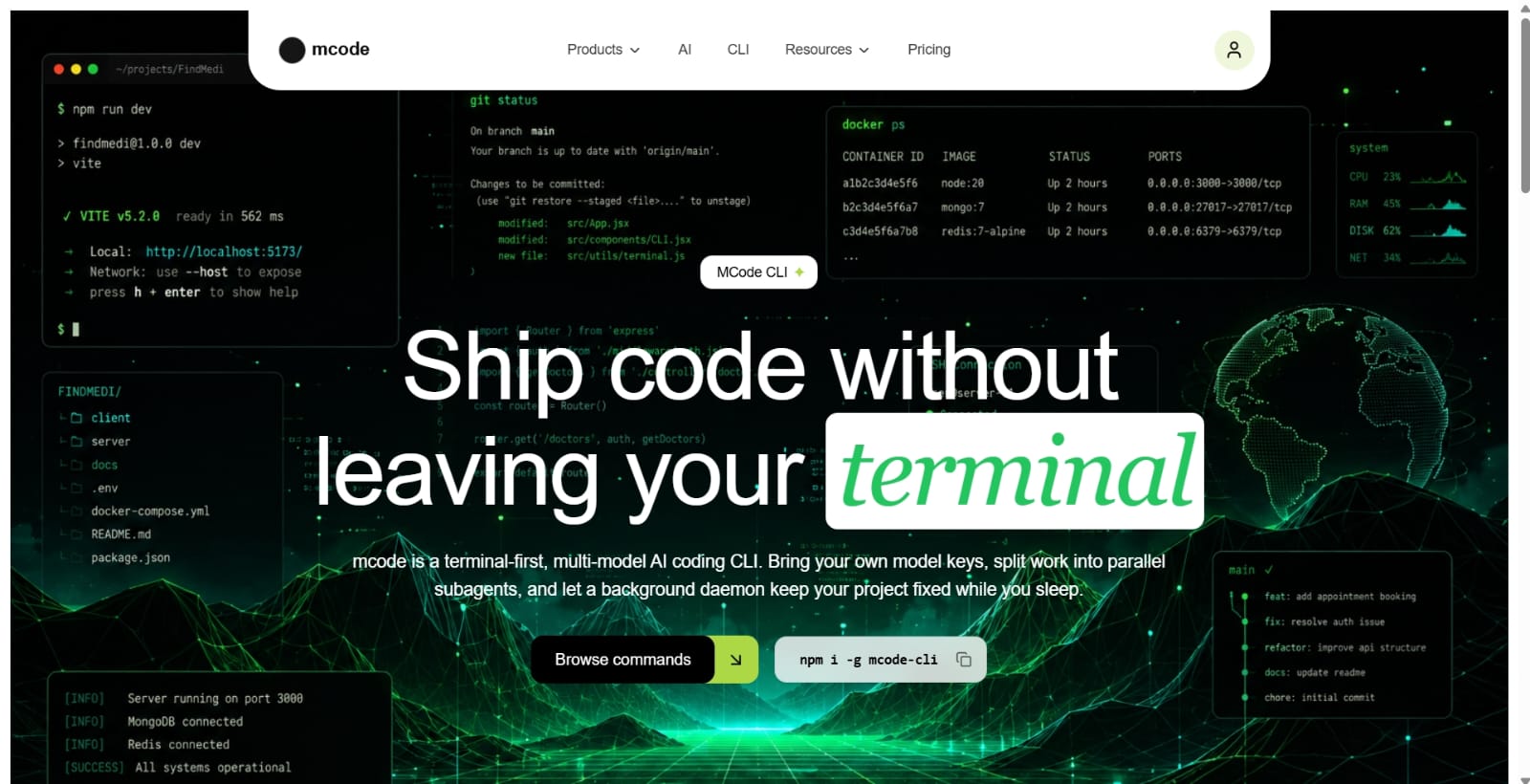
https://mcode.app
DESKTOP VIEW
MCode Primary Application View
Active Production View: MCode
CLI TERMINAL HARNESSVIEWPORT 02
MCode CLI Terminal Harness
</>CLI Terminal View
MOBILE ADAPTIVEVIEWPORT 03
Mobile & Tablet ResponsiveSlot for touch-screen mobile viewport screenshot.
The Friction

Who experiences this problem?

Full-stack software engineers, DevOps specialists, and developers who prefer working at lightning speed within their terminal environment.

Current Workflow Breakdown:Switching between heavy browser-based AI IDEs and disjointed command-line utilities disrupts developer flow and slow terminal tools lack visual elegance.
The Architecture

How our product addresses it

An ultra-fluid terminal harness built on a shared 80ms animation clock, progressive item reveals, visual diff inspection, and keyboard-driven slash commands.

Technical Stack & Foundations

Node.js & Ink React CLI Framework
useTicker 80ms Global Shared Clock
useEntrance Progressive Reveal Hooks
useAnimatedProgress Interpolator
useFlashOnMount Feedback Primitives
Interactive Terminal Diffs Engine
Chalk & ANSI Color Formatting
Fuzzy Search Slash Command Palette
Milestones & Next Horizon

Current progress and roadmap

Stage: Ready to Launch

Distributing packaged CLI binaries via Homebrew, npm global, and Windows winget with offline local LLM connectors.

Explore More

Other studio initiatives

LeadPilot
LeadPilot
You approve. It does the chasing.
ProductAI & Developer Tools
Building
LeadPilot logo

LeadPilot

An AI sales assistant that finds leads, writes your pitches, replies on WhatsApp and writes notes after every call.
Multi-Source Lead Radar: Continuously scans Upwork, Fiverr, LinkedIn Jobs, RemoteOK, Reddit, X (Twitter), Google Maps, and public business directories for live hiring intent
AI 0-100 Lead Scoring: Rates every lead based on skill alignment, budget readiness, urgency, and reply probability so you only prioritize high-yield opportunities
Zero-Ban 'Draft & Approve' Guard: Generates tailored proposals and pitches for user 1-click review, preventing automated bot detection and protecting platform accounts from bans
+6 more technical capabilities
Studio-built
Kaam.ai
Kaam.ai
You approve. It does the work.
ProductAI & Developer Tools
Building
Kaam.ai logo

Kaam.ai

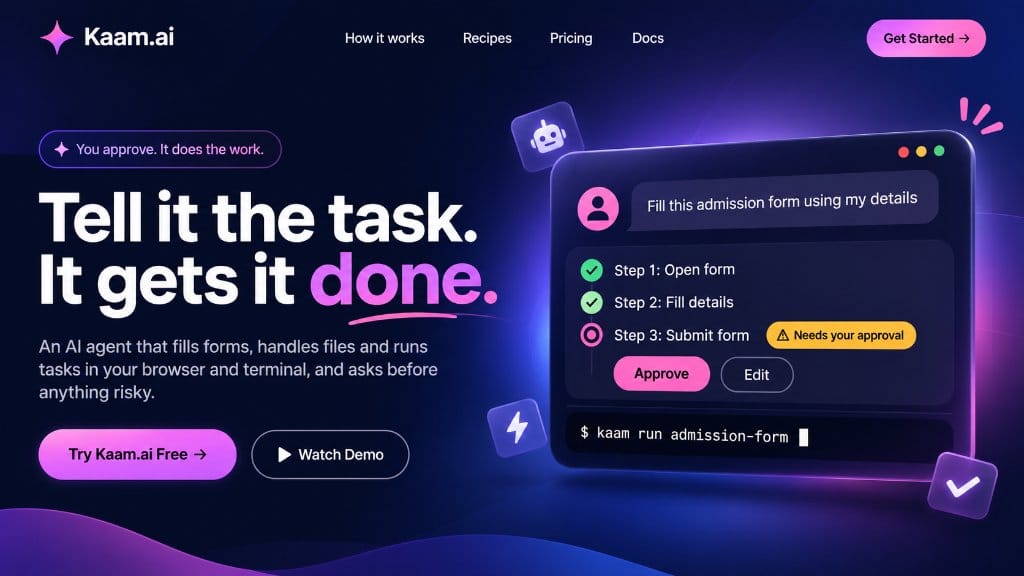
An AI agent that fills forms, handles files and runs tasks in your browser and terminal, and asks before anything risky.

Autonomous Form Filling: Navigates multi-page application forms, auto-mapping user profile data into input fields with pixel-level precision
Risk-Aware Approval Gates: Pauses before critical actions like 'Submit Form', 'Delete Files', or 'Execute Payment', requesting clear user confirmation
Kaam Terminal CLI: Trigger and run entire automated workflows directly from your terminal using commands like `kaam run admission-form`
+4 more technical capabilities
Studio-built